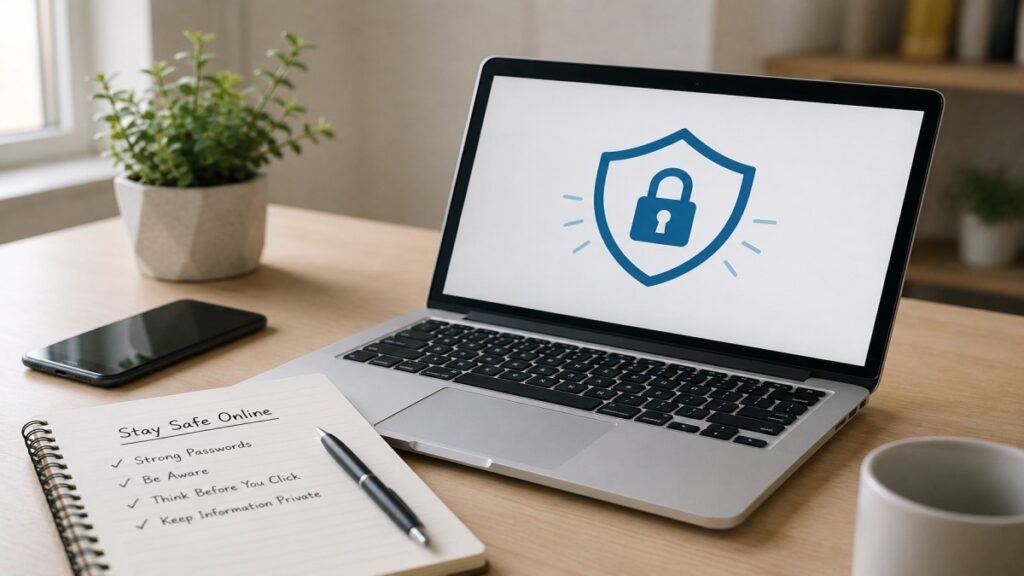
The internet has become an important part of our daily lives. We use it for online shopping, banking, social media, studying and work. But while the internet makes many things easier, using it safely is also important. People can become victims of online scams, fake websites and privacy problems simply because they are not aware of basic safety habits.
The good thing is that you do not need to be a technology expert to stay safe online. In this guide, you will learn simple internet safety tips, how to spot common online scams, how to protect your passwords and personal information, and what to check before clicking links or sharing information online.
What Is Internet Safety?
Internet safety means using the internet and digital devices in a way that keeps your personal information, accounts and data safe. Today, the internet is used for much more than reading information. Banking, shopping, online payments and many other important activities also happen online. Because of this, even a small mistake can sometimes cause a serious problem.
Why Internet Safety Matters More Than Ever
Many important parts of our lives are now connected to the internet. Email, social media, bank accounts and UPI services are used every day. If someone gets access to one important account, they may also try to access other accounts connected to it.
For example, if someone gets into your email account and that email is linked to other services, they may use it to reset passwords or access those accounts. This makes account security an important part of staying safe online.
Common Online Risks Beginners Should Know
Not everything on the internet is as real as it looks. Fake websites, scam messages and phishing emails are often designed to look genuine. You may receive a job offer on WhatsApp or see a huge discount on an unfamiliar website. If you share personal information or make a payment without checking the source, you could lose money or put your information at risk.
Strong Passwords Really Matter
A password is one of the first things that protects an online account. However, many people use easy passwords such as their name, mobile number or date of birth. This type of information may not be difficult for someone else to guess. Use a different, strong password for each important account. A password manager can also help you create and remember strong passwords without using the same password everywhere.
Be Careful Before Clicking Links
Scam links can arrive through messages, emails and social media. They may claim that your account will be blocked, that you have won a prize or that you need to make an urgent payment. If you receive such a message, do not use the link provided. Instead, open the company’s official website or app yourself and check whether the message is genuine.
What Should You Know About Public Wi-Fi?
Free Wi-Fi is common at airports, railway stations, cafes and other public places. It can be useful, but you should not assume that every public network is completely safe. For simple browsing, public Wi-Fi may be convenient. For internet banking, online payments or other sensitive activities, using mobile data or a trusted network can be a safer option.
You Do Not Need to Share Everything on Social Media
Sharing things on social media is a normal part of life. However, some people share personal information, their location or details about their daily routine without thinking about who can see it. Once something is posted online, you may not have complete control over where it goes. Avoid sharing sensitive details publicly, especially information that could reveal where you live, where you are at the moment or when your home may be empty.
Common Mistakes to Avoid When Shopping Online
Online shopping has made buying things much easier. But attractive discounts and offers can also make people place orders without checking the seller properly. Later, they may find that the website was not trustworthy or that the product was not what they expected.
Before placing an order, check the website, seller details and customer reviews. Be especially careful with offers that look unusually good or ask you to make a payment through an unfamiliar method.
How to Spot a Phishing Scam
Phishing scams are difficult to notice because they are often made to look genuine. You may receive a message or email claiming to be from your bank, courier company or another service you use.
Common warning signs include urgent requests, threats of account closure and unexpected rewards. Some messages may also ask for passwords, OTPs, card details or other sensitive information. Legitimate services generally do not need you to share such information through random links or messages.
Internet Safety for Children and Teenagers
Children and teenagers use the internet for studies, games, entertainment and talking to friends. Because online communication feels normal to them, they may sometimes trust people or accounts they do not know.
Children should be taught not to share personal information with strangers online or meet someone they only know through the internet. Parents and guardians can help by explaining basic online safety instead of only setting rules.
Common Internet Safety Mistakes People Make
Some common mistakes include using the same password for several accounts, ignoring security updates, downloading files from unknown sources and giving unnecessary permissions to apps or websites.
These habits may seem harmless at the time, but they can increase the risk of account problems, unwanted access or loss of personal information.
Conclusion
The internet is now a normal part of everyday life. We use it for shopping, online payments, social media, education, work and many other important activities. This makes basic internet safety more important than ever. Using strong passwords, keeping personal information private, avoiding suspicious links and choosing trusted websites and networks can help reduce common online risks. You do not need advanced technical knowledge to start using the internet more safely.
Related Articles
- How to Identify Fake News on Social Media (Simple Guide for Beginners)
- Fake Website Aur Real Website Me Antar Kaise Pehchanein?
Beginners jo online security ke baare me aur padhna chahte hain, wo official internet safety best practices guide dekh sakte hain.
Frequently Asked Questions (FAQs)
What is internet safety?
Internet safety means using the internet and digital devices in a way that protects your personal information, accounts and online data. It includes safe browsing, secure passwords and knowing about common online scams.
Why is internet safety important?
Banking, shopping, online payments, education and many other daily activities now happen online. Basic internet safety helps reduce the risk of scams, account theft and other security problems.
Is public Wi-Fi always risky?
No. Not every public Wi-Fi network is unsafe. However, it is better to use mobile data or a trusted network for banking, online payments and other sensitive activities.
What is a phishing scam?
Phishing is a type of online fraud where fake messages, emails or websites are used to trick people into sharing information such as passwords, login details or financial information.
How can beginners stay safe online?
Beginners can start with a few basic habits, such as using strong and different passwords, keeping devices updated and being careful with unfamiliar websites, links and downloads.